
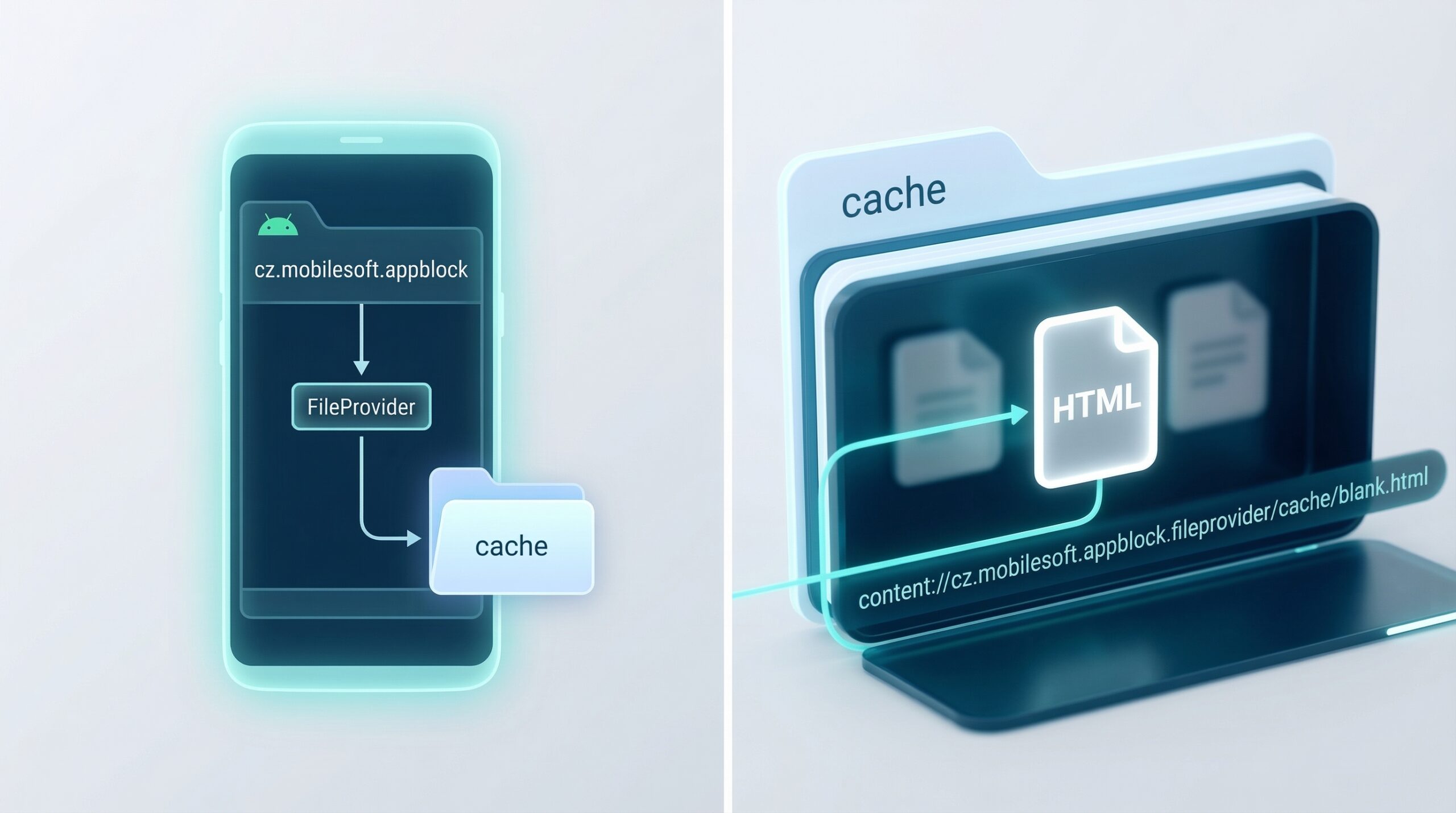
In the complex ecosystem of the Android operating system, users often stumble upon cryptic file paths while browsing their internal storage or using file management tools. One such path that frequently confuses is related to the AppBlock application, specifically the directory identified as content://cz.mobilesoft.appblock.fileprovider/cache/blank.html. While it may look like a remnant of malware or a technical glitch to the untrained eye, this string represents a specific functional component of a popular productivity tool. Understanding how this file provider works, why it generates cache files, and what “blank.html” signifies is essential for users looking to optimize their device storage or troubleshoot application behavior.
What is AppBlock by Mobilesoft?
To understand the file path, one must first identify the developer. Mobilesoft (cz.mobilesoft) is a respected software development studio based in the Czech Republic, best known for its flagship application, AppBlock. AppBlock is a productivity and digital well-being tool designed to help users stay focused by temporarily blocking distracting apps and websites on their smartphones. It allows users to set specific profiles based on time, location, or Wi-Fi connection, ensuring that social media or gaming apps do not interfere with work or sleep.
Because AppBlock must intercept the launch of other applications and redirect the user’s browser activity, it requires deep integration with the Android OS. This integration is facilitated through various Android components, including Services, Broadcast Receivers, and most importantly for this discussion, FileProviders.
The Role of FileProvider in Android
The file provider segment of the string refers to a specific subclass of the ContentProvider component in Android. In modern Android versions, sharing data between applications is strictly regulated for security reasons. An app cannot simply give another app a direct path to a file in its private internal storage. Instead, it must use a FileProvider to create a content:// URI.
When AppBlock needs to display a screen or trigger a specific browser behavior—such as showing a “Blocked” notification or a neutral landing page—it uses the FileProvider to serve that content safely. The cz.mobilesoft.appblock.fileprovider is the unique identifier (authority) that tells the Android system: “This specific app is responsible for managing the files located at this address.”
Decoding the “blank.html” and Cache Directory
The presence of a cache folder within this path indicates that the files stored there are temporary. Android applications use cache directories to store data that can be recreated if deleted. This prevents the app from having to regenerate the data every single time it is needed, which saves battery life and processing power.
The blank.html file itself serves a very specific utility. In the context of website blocking, many browsers and system-level web views require a destination to load when a requested URL is blocked. If AppBlock prevents a browser from loading a distracting website, it might redirect the browser to this blank.html file. This serves several purposes:
- User Experience: Rather than showing a jarring “Connection Failed” or “404 Error” page, the app can serve a clean, neutral, or branded blank page.
- Resource Efficiency: A blank HTML file consumes virtually zero data and renders instantly.
- Triggering Overlays: Sometimes, the loading of this blank page acts as a “hook” for the app to trigger its blocking overlay or a motivational quote.
Why Do Users Find This Path?
Most users encounter content cz mobilesoft appblock fileprovider cache blank html through one of three scenarios:
1. File Manager Scans
When using deep-cleaning apps or advanced file managers (like Solid Explorer or SD Maid), these tools scan every directory on the phone. Because AppBlock is frequently active, its cache is often modified, causing it to appear at the top of “recently changed files” lists.
2. Browser History and Redirects
In some instances, if a user attempts to access a blocked site, the browser’s address bar might briefly display the content:// URI or save it in the local history. This is particularly common in browsers that do not strictly separate web content from system-level file URIs.
3. Error Logs and Crashes
If AppBlock or the system WebView crashes, the Android system generates a logcat or an error report. These reports often list the last accessed file path, which, for a blocked user, is frequently the blank.html file in the cache.
This is an alternative post to this article: https://theexpensivebusiness.com/mutstreams/
Is It Safe?
A common concern among users who find unfamiliar “HTML” files and “CZ” (Czech) domain markers is that their device has been compromised by spyware. In the case of cz.mobilesoft.appblock, the file is entirely safe. It is a legitimate part of a verified application available on the Google Play Store. The “blank.html” file does not contain malicious scripts; it is simply a structural requirement for the app’s blocking mechanism to function within the constraints of the Android operating system.
Managing and Clearing the Cache
If you find that these files are taking up space (though they are usually negligible in size) or if you are experiencing “ghost” blocks where sites remain inaccessible even when AppBlock is off, you may need to clear the cache.
To clear the AppBlock cache:
- Open your device Settings.
- Navigate to Apps or Application Manager.
- Find AppBlock in the list.
- Tap on Storage.
- Select Clear Cache.
Note that clearing the cache will not delete your blocking profiles or settings, but it will force the app to recreate the blank.html file the next time a block is triggered.
Technical Nuances of FileProvider Authorities
The authority cz.mobilesoft.appblock.fileprovider must be unique across the entire Android device. If two apps had the same authority, the system would fail to install the second one. This is why developers use their package name (in this case, cz.mobilesoft.appblock) as a prefix. For developers or tech-savvy users, seeing this path is a confirmation that the app is following Google’s “Scoped Storage” guidelines, which aim to improve user privacy by preventing apps from having broad access to the entire file system.
Conclusion
The content cz mobilesoft appblock fileprovider cache blank html path is a functional byproduct of modern mobile productivity software. It represents the intersection of security (FileProvider), performance (Cache), and user interface design (Blank HTML). Rather than being a cause for concern, its presence indicates that the AppBlock application is properly integrated with the Android system, using standard protocols to help users manage their digital habits. Whether you are a casual user or a technical enthusiast, understanding these background processes demystifies the inner workings of your device and ensures a smoother digital experience.
Frequently Asked Questions (FAQs)
1. What is cz.mobilesoft.appblock?
It is the internal package name for AppBlock, an Android application designed to block distracting apps and websites. The “cz” stands for the Czech Republic, where the developer, Mobilesoft, is located.
2. Is “blank.html” a virus?
No, it is not a virus. It is a legitimate, empty HTML file used by AppBlock to redirect users when they attempt to visit a blocked website. It is a common technique used by productivity apps to handle browser redirections safely.
3. Can I delete the files in the appblock file provider cache?
Yes, you can safely clear the cache. However, the app will likely recreate the blank.html file as soon as you use the blocking features again. Deleting it manually through a file manager is generally unnecessary as the system manages cache sizes automatically.
4. Why does this show up in my browser history?
If AppBlock redirects a blocked URL to its internal FileProvider, some browsers might log the content:// URI in the history. This simply shows that a block was successfully executed at that time.
5. How do I stop this file from appearing?
The only way to completely stop this file from being generated is to uninstall the AppBlock application. If you wish to keep the app but see the file less often, you can try reducing the number of web-blocking profiles you have active, though the file will still exist in the background as part of the app’s structure.
